WPF InputBindings KeyBinding Command Example .Net 4.0
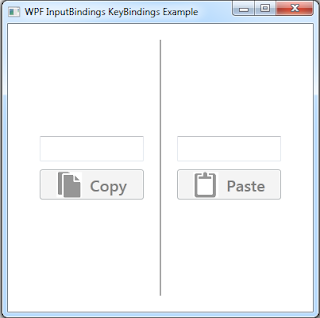
WPF starting from .Net Framework 4.0 allows developers to bind commands directly to the KeyBindings as shown in the example below: A complete solution is posted here on my Google Drive: https://docs.google.com/file/d/0Bw72YL7u1BpmaFdsSng1N3Rqbnc/edit?usp=sharing < Window x : Class = "WPF_InputBindings_Keybinding.MainWindow" xmlns = "http://schemas.microsoft.com/winfx/2006/xaml/presentation" xmlns : x = "http://schemas.microsoft.com/winfx/2006/xaml" Title = "WPF InputBindings KeyBindings Example" Height = "400" Width = "400" Focusable = "True" > < Window.InputBindings > < KeyBinding Key = "C" Modifiers = "Control" Command ="{ Binding CopyCommand } " /> ...